
Reset your small desk in three steps

Keep your charger within reach and make room to open a notebook or set down your laptop. Here’s how to use the cable clips, reusable cord ties, and compact tray in your Small Desk Reset Kit.

What’s in the Small Desk Reset Kit

  • Cable clips: keep frequently used cords within reach.
  • Reusable cord ties: bundle extra cable length.
  • Compact tray: give small items a place to go.

Before and after: one small desk

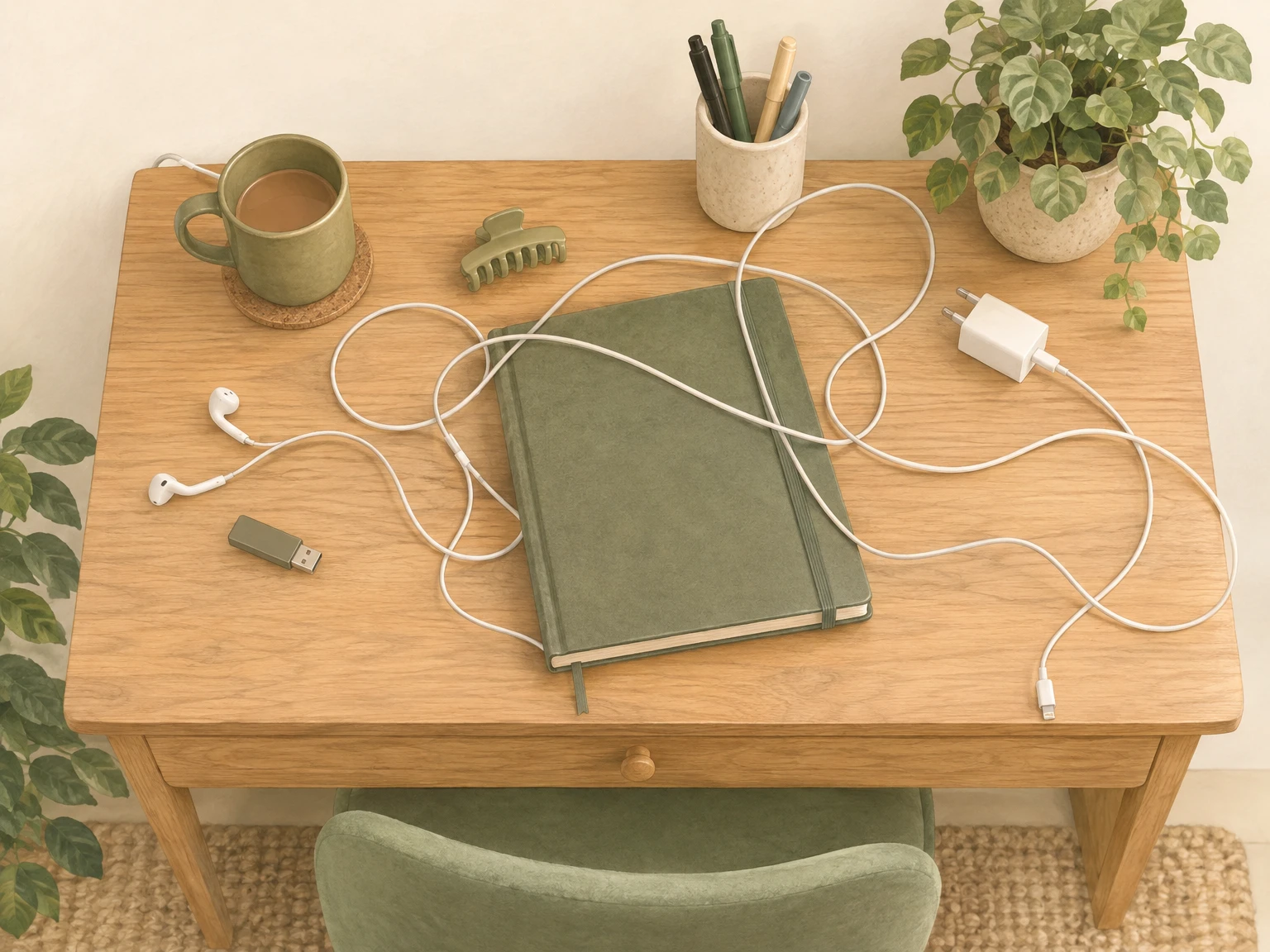
Top view of a small desk before: charger slipped behind, cord sprawled across, earbuds and a USB drive loose, items crowding a notebook
Before
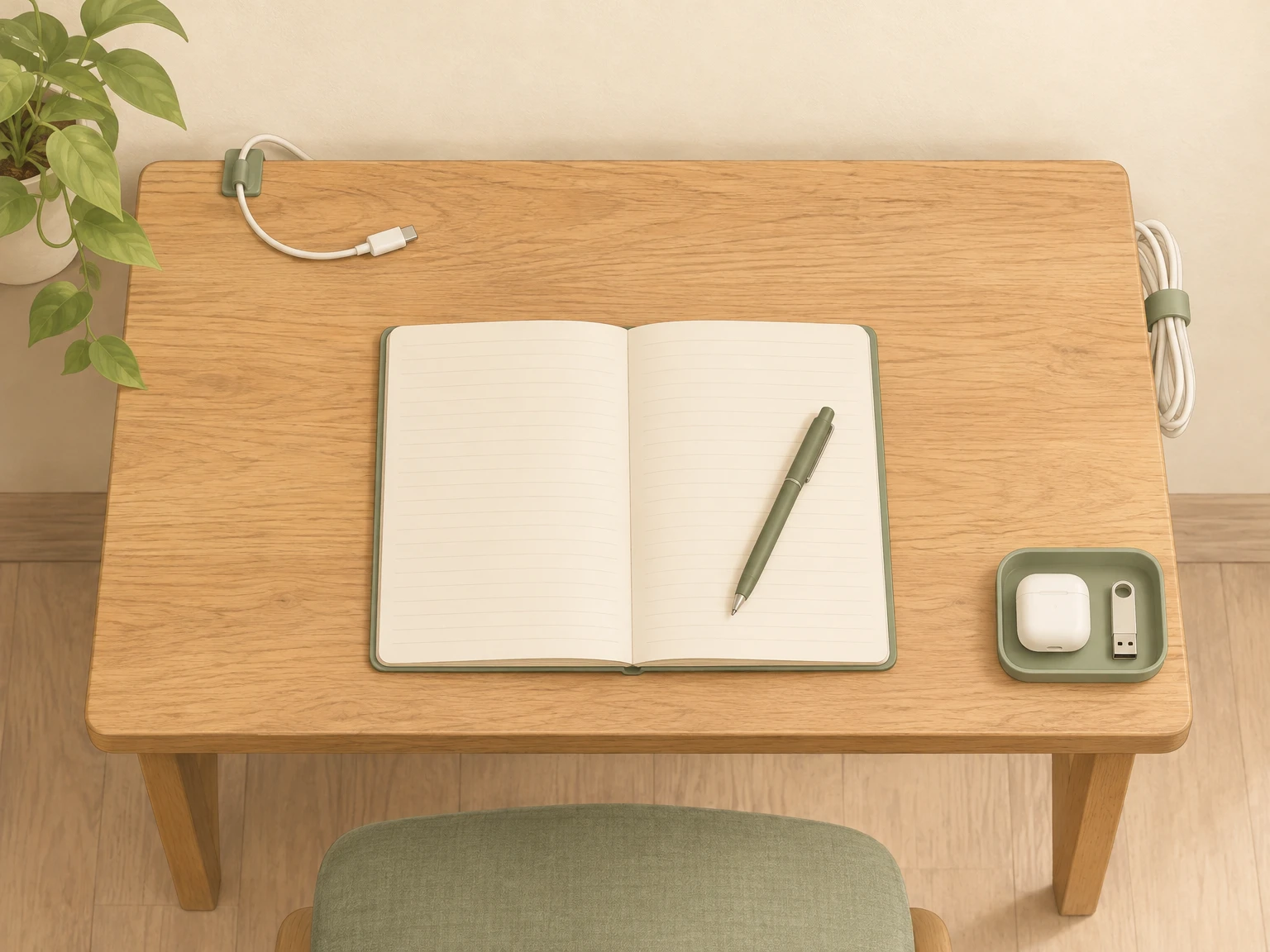
Top view of the same small desk after: cord clipped, extra length tied in a loop, tray holding small items, a clear center with an open notebook
After
On the deskBeforeAfter
Back cornerCharger slips behind the deskClip keeps the charging end within reach
Side edgeExtra cord sprawls across the deskTie holds the extra length in a loose loop
Other cornerEarbuds and a USB drive sit looseTray gives them one place to go
CenterCords and small items crowd your notebookClear space to work or study
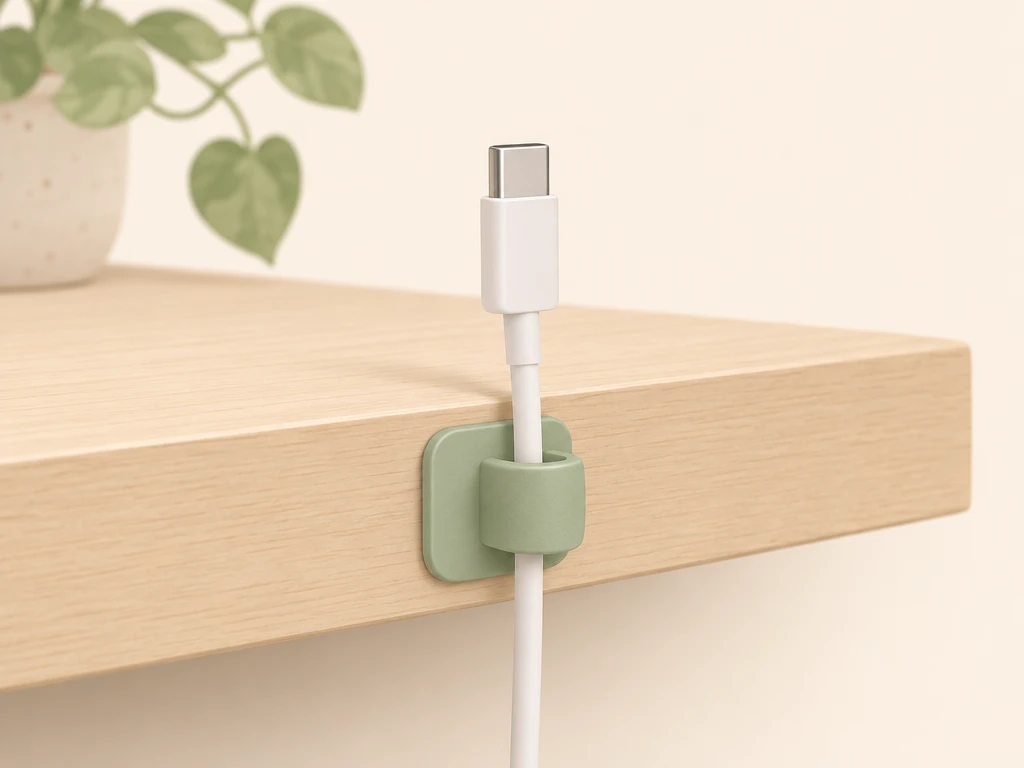
A cable clip holding a charging cable on a desk edge

1. Clip the cord you reach for most

Start with the charging cable that always slips away. Choose a spot near the back or side of your desk that you can reach while seated. Before setting the clip in place, check that the cord reaches your device where you normally use it. Guide the cord through the clip with the charging end on the desk side, easy to grab when you unplug.
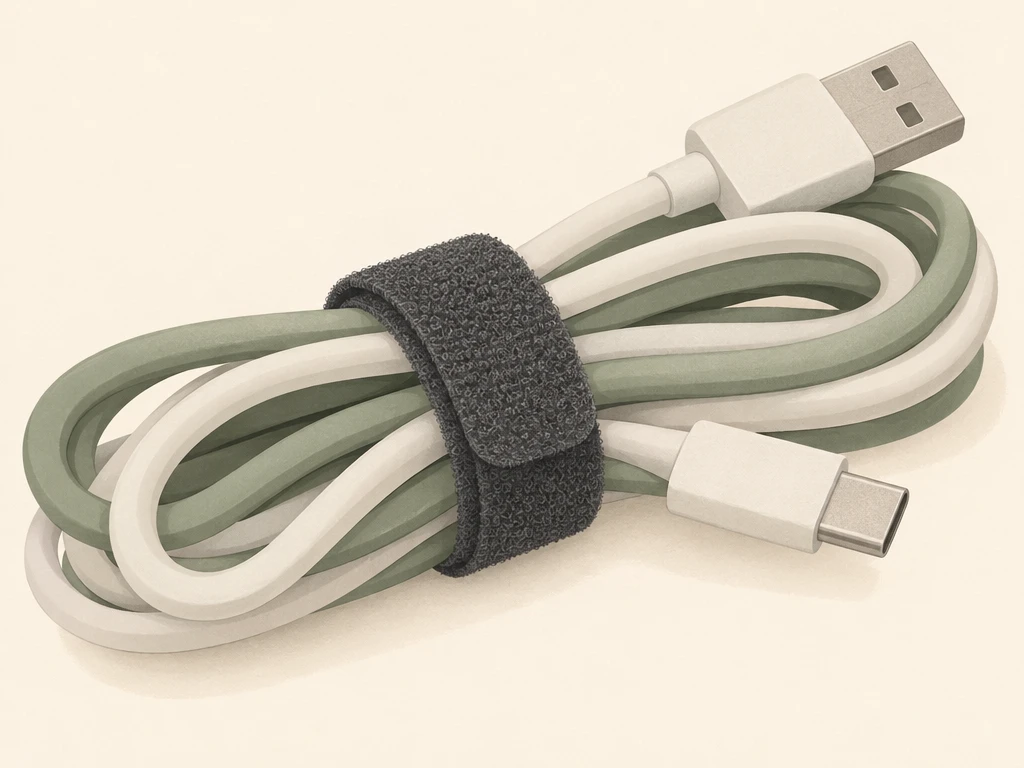
A reusable cord tie around a bundle of cables

2. Tie up only the extra length

Leave enough cord free to plug in and move your device as usual. Gather the extra length into a loose loop and wrap a reusable cord tie around it without squeezing the cord. Set the loop along the side or back so it stays out of your work area.

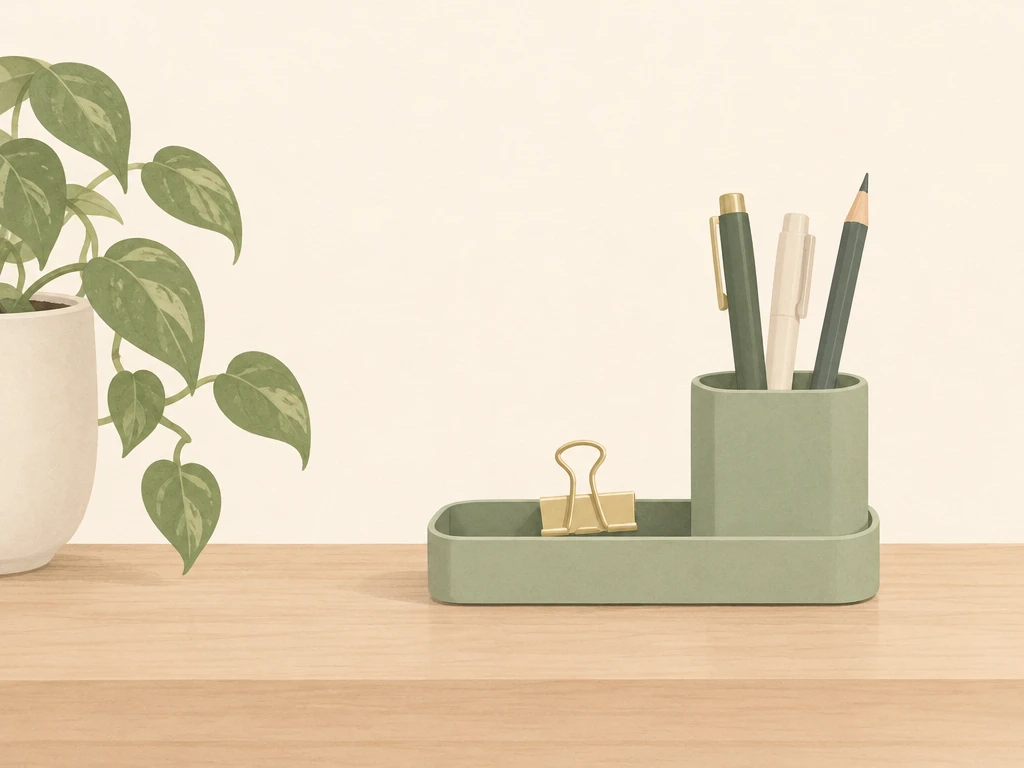
A clear desk with a compact tray holding pens

3. Give loose items a home

Put the compact tray in a corner you can reach without reaching across your work. Drop in the small things you use at the desk, like earbuds, a USB drive, or paper clips. Leave the middle open for whatever you’re working on.

Try your setup

Sit down and plug in your charger, then unplug it and make sure the end stays within reach. Open your notebook or set down your laptop. If the tray or cord loop is in the way, move it to the other side. On a shared desk, put loose items back in the tray and return the charging end to its spot when you’re done.